One workflow, one outcome
Demonstrate the shortest path through a useful task. Decide which interface steps matter and remove unrelated feature lists from the message.
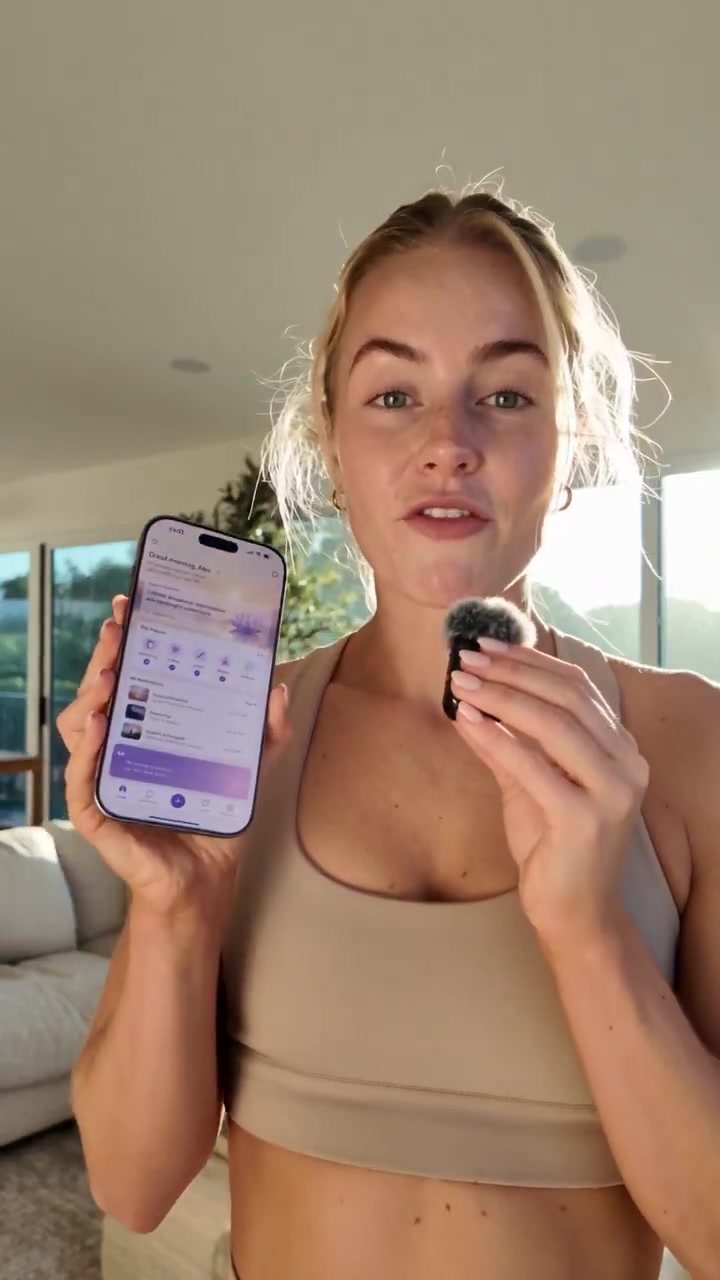
A software ad has limited time to connect a user problem with a useful interaction. The current app reference places a mobile product in a creator-led explanation. For your own software, choose one workflow and keep the interface accurate. The creative can make the story approachable, while real screenshots or recordings keep the product demonstration grounded.
Prospective app or software users who need to understand a task before trying the product.
Demonstrate the shortest path through a useful task. Decide which interface steps matter and remove unrelated feature lists from the message.
Introduce the user and the moment they need the tool. Let an actual product interaction support the explanation rather than inventing a capability.
Show whether the next step is an install, a trial, a demo or a sign-up. Match the ad's wording to the experience the user will actually reach.
Use these details to start the conversation. Scope, pricing and timing are agreed for the individual project.
Start your apps & tech briefYes. The fitness-app creator video is also tagged under Apps & tech. It demonstrates a presentation style; a new software brief should use the actual interface and capabilities of your product.